 isocialpublishing
Cross-Posting on Social Media: When It Works and When It Backfires
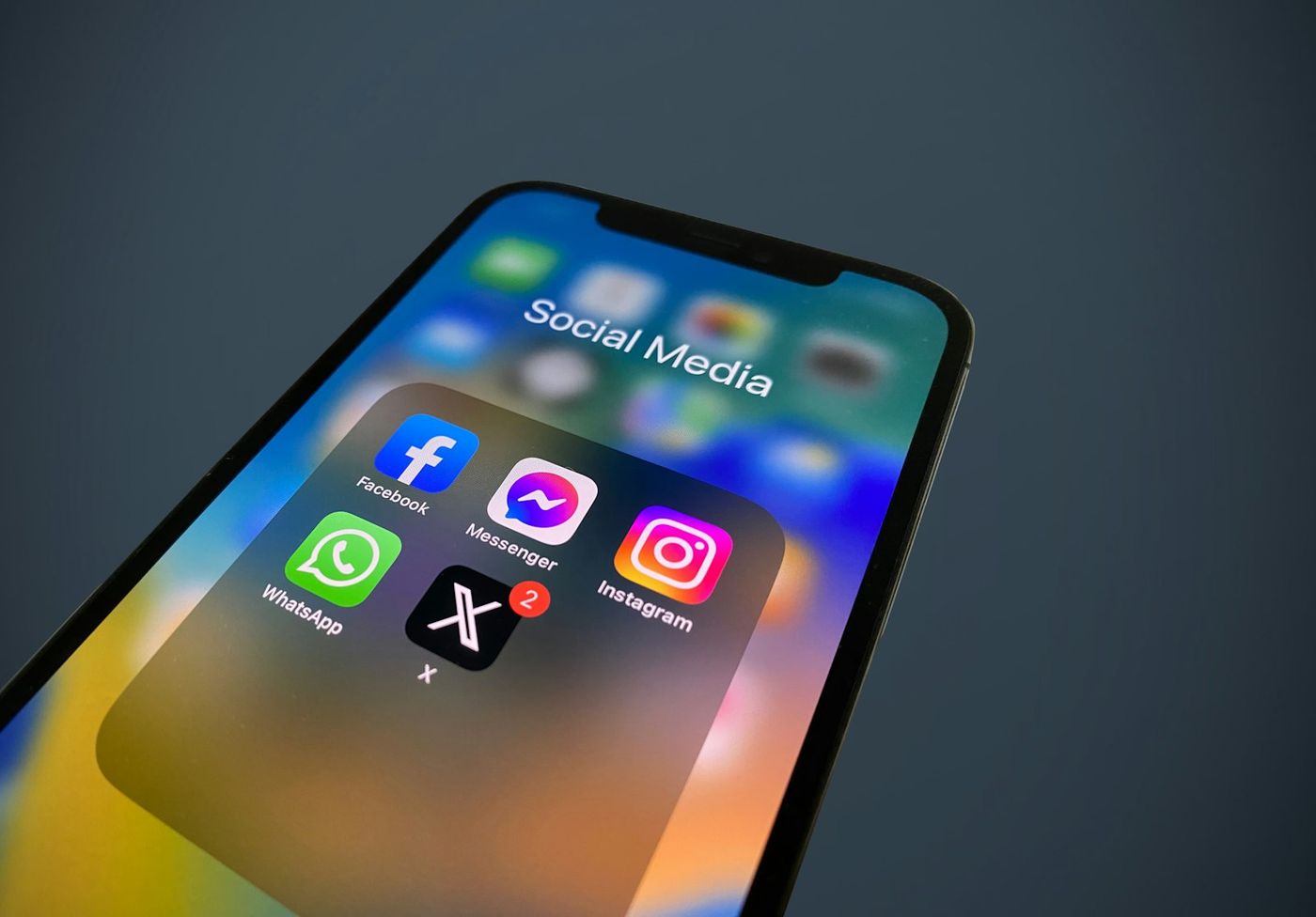
Cross-posting on social media means publishing the same piece of content to several networks. Done carelessly, it produces a LinkedIn post full of hashtags meant for Instagram, a tweet that cuts off mid-sentence and a Facebook update that tags accounts that do not exist there. Done thoughtfully, it is one of the most efficient habits a small team can have.
This guide explains the trade-off, shows which content survives being copied as-is, and lays out a simple process for adapting one message to several networks without rewriting it from scratch every time.
Why people cross-post
The appeal is obvious. You have one idea, one image or one link, and five networks that could use it. Writing five separate posts takes time most small businesses and creators do not have.
Cross-posting helps you:
- Stay present on several networks with a small team.
- Keep the message consistent, so a launch or announcement says the same thing everywhere.
- Get more value from content you already made, such as a video or article.
The risk is that every network has its own conventions. Ignoring them makes your posts look automated, and people scroll past content that clearly was not written for them.
What goes wrong when you copy everything
The common failures are predictable:
- Length limits. A long caption that suits LinkedIn may be truncated or rejected on X.
- Formatting habits. Hashtag blocks that are normal on Instagram look odd on LinkedIn or Facebook.
- Mentions and tags. Handles differ between platforms, so a tag that works on one network may point to nobody, or the wrong account, on another.
- Link behavior. Some networks show a rich preview card for links; others display a plain URL, and Instagram captions do not make links clickable at all.
- Image ratios. A wide image looks fine on LinkedIn but loses detail in a vertical feed.
Link previews depend on metadata from the page itself. The Open Graph protocol defines the title, description and image tags many networks read when building a preview card, so it is worth checking that your pages include them before you share links widely.
Content that cross-posts well
Some content needs little or no change between networks:
- Announcements with a clear fact: a new product, opening hours, an event date.
- Strong images with a short caption, especially square or vertical ones.
- Short videos that make sense with the sound off.
- Links to your own articles, with a one or two sentence summary.
For these, a single message with a quick check for length and tags is usually enough.
Content that needs adapting
Other content works best when each network gets its own version:
| Content type | Why adapt | What to change |
|---|---|---|
| Opinion or insight posts | Tone differs between professional and casual networks | Longer, reasoned version for LinkedIn; punchier version for X |
| Community posts | Reddit communities have their own rules and culture | A title and body written for that community, no marketing copy |
| Local updates | Google Business Profile is read by local searchers | Lead with location, hours or offer details |
| Visual stories | Instagram and Pinterest are image-first | Stronger image, shorter caption, clear call to action |
A simple process: one core message, several versions
You do not need to start from a blank page for every network. Work from a core message.
1. Write the core
Write two or three sentences that state the idea and the action you want. For example: "Our new weekend opening hours start in March. We are open 9 to 2 on Saturdays for collections and quick repairs."
2. Adapt for each network
- Facebook: the core plus a friendly sentence and a photo of the shop.
- Instagram: a photo, a shorter caption and a few relevant hashtags.
- Google Business Profile: the core, with the date and hours stated plainly.
- LinkedIn: only if relevant to your professional audience, perhaps framed around serving clients better.
3. Check the details
Before scheduling, review each version for length, tags, links and image fit. This step takes a minute per network and prevents most of the embarrassing mistakes.
4. Decide on timing
The same post does not have to go out on every network at the same minute. Stagger them if your audiences are active at different times.
Avoid looking automated
Followers notice when an account clearly blasts the same text everywhere. A few habits keep cross-posted content feeling human:
- Remove platform-specific phrases like "link in bio" from networks where links are clickable.
- Reply to comments on each network rather than only where you originally wrote the post.
- Mix cross-posted content with posts written specifically for each network.
- Watch for unanswered questions on networks you check less often.
Keep a record of what went where
When one message goes to several networks, it becomes harder to know what actually published. A post might fail on one network because of a token expiry, a format limit or a temporary outage, while succeeding on the others. Keep a log per network so failures do not go unnoticed and you can resend where needed.
How isocialpublishing handles both approaches
isocialpublishing separates the two moves on purpose. Quick Post sends one caption, with an optional link, image or video, to every network you tick. Multi Post starts from one body and gives each network its own tab so you can adjust the wording. Each network's result is recorded in Posting Logs. You can see how the composers work on the product page and compare memberships on the pricing page.
FAQ
Is cross-posting bad for reach?
Cross-posting itself is not penalized in any simple way, but posts that ignore a network's conventions tend to get less engagement, which can limit how widely they are shown. Copying an announcement or a strong image is usually fine. For opinion pieces, community posts and long captions, adapting the wording for each network generally performs better.
Should I post at the same time on every network?
Not necessarily. Audiences can be active at different times on different networks, and staggering posts also makes it easier to respond to comments as they come in. If your followers are concentrated in one time zone, a small spread across the morning and afternoon is a reasonable starting point to test.
How do I handle hashtags when cross-posting?
Treat hashtags as network-specific. A few relevant hashtags suit Instagram and can help on X, while LinkedIn and Facebook posts usually need few or none. Remove large hashtag blocks from versions meant for professional networks. If you write one core message, add hashtags only in the versions where they help.
Can I cross-post to Reddit?
It is rarely a good idea to copy marketing posts directly to Reddit. Each community has its own rules, and many restrict self-promotion. If a subreddit allows it, write a post specifically for that community, follow its rules and focus on being useful. Treat Reddit as its own conversation rather than another feed to fill.