 isocialpublishing
Social Media Content Calendar: A Simple System for Small Teams
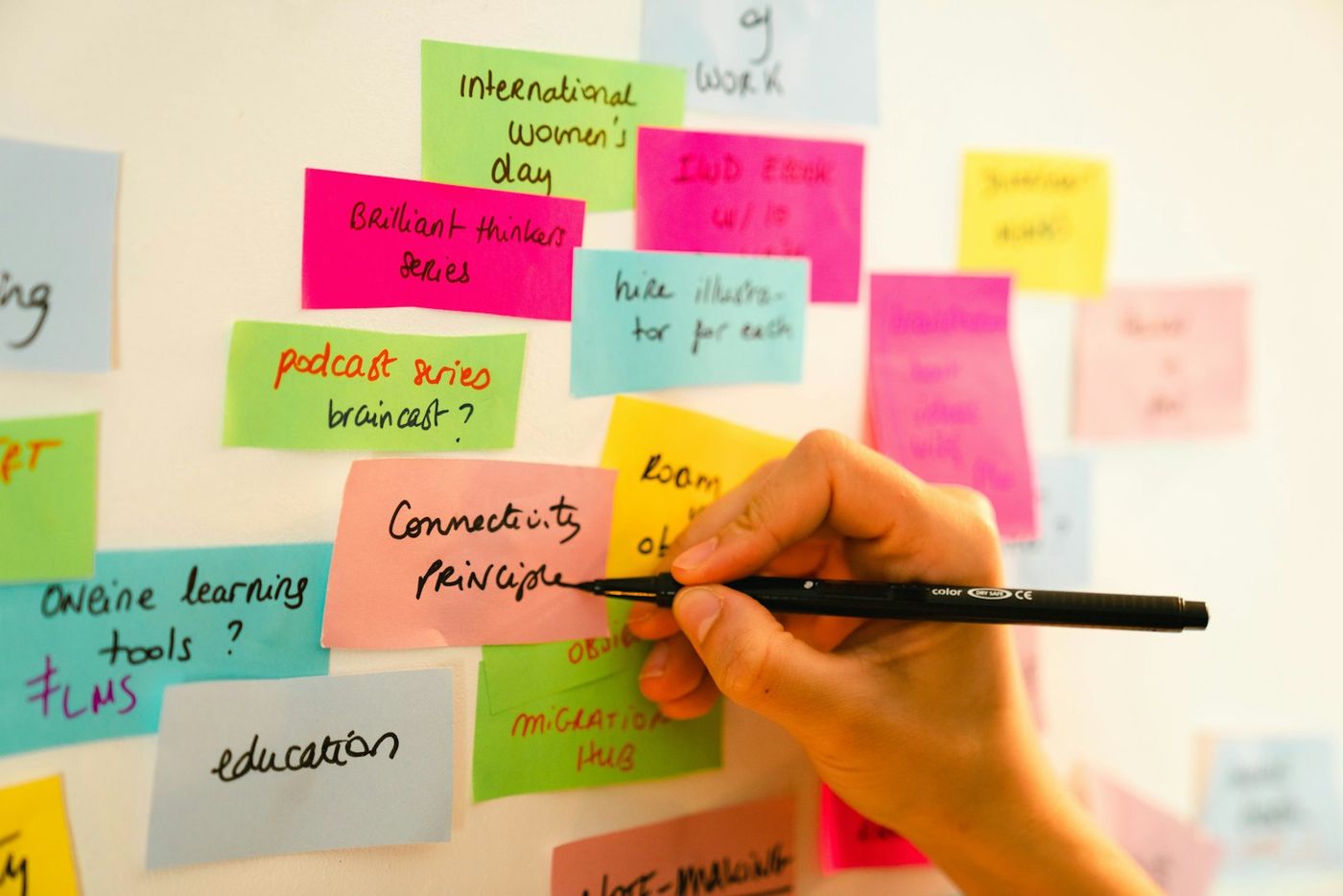
A social media content calendar is a shared plan of what you will publish, where and when. Without one, posting tends to follow mood and memory: three posts in a burst of energy, then nothing for two weeks, then a frantic search for something to say on a product launch day. With one, the team knows what is coming and can prepare.
The problem is that many calendar templates are built for large brands with dedicated social teams. They include columns nobody fills in and approval stages a three-person business does not need. This guide sets out a lighter system that a small team or solo operator can keep up, with themes, monthly and weekly planning, and a short list of fields that actually matter.
What a content calendar should do
A good calendar answers four questions at a glance:
- What is going out this week?
- On which networks?
- Who is responsible for each post?
- Is it ready?
Anything beyond that is optional. Start simple and add detail only when a missing piece causes a real problem.
Choose a format you will open
The best calendar tool is the one your team already uses every day. Options include:
- A spreadsheet, with one row per post. Easy to filter and share.
- A shared calendar, where each post is an event. Good for seeing the week visually.
- A board of cards, like sticky notes on a wall or a digital board, with columns for status.
- Your scheduling tool's own queue, if it shows upcoming posts clearly.
Many teams combine two: a spreadsheet or board for planning ideas and a scheduler for the posts that are ready.
Set content themes
Themes stop every planning session from starting with "what should we post?" Pick three to five recurring themes that reflect your business and what your audience cares about.
For example, a local bakery might use:
| Theme | Example post |
|---|---|
| Product spotlight | This week's seasonal loaf, with a photo |
| Behind the scenes | Early morning shaping, the team at work |
| Tips | How to store bread so it stays fresh |
| Community | A local event the bakery supports |
| Offers and news | Holiday opening hours, pre-order deadlines |
Assign themes to days or rotate them through the week. Themes also help balance your feed so it is not all promotion.
Plan monthly, fill weekly
Two planning rhythms keep the calendar realistic.
Monthly: the big picture
Once a month, spend 30 to 60 minutes listing:
- Fixed dates: holidays, events, launches, sales.
- Campaigns or messages you want to push that month.
- Content you already have, such as new articles, videos or photos.
Place these on the calendar first. They are the anchors.
Weekly: the details
Once a week, fill the remaining slots. Turn anchors into actual posts with captions and images, and fill gaps with themed posts. The SBA's guide to marketing and sales is a useful reminder that social posts should support your wider marketing plan, so check that each week's posts connect to what the business is trying to achieve.
The fields that matter
For each post, track only what you need:
- Date and time
- Network or networks
- Theme
- Core message in a sentence
- Assets: image, video or link
- Owner: who writes it
- Status: idea, drafted, ready, scheduled, published
If more than one person approves posts, add an approver field. If you run campaigns, add a campaign tag so you can review results by campaign later.
Track status honestly
Status is where calendars quietly fail. A post marked "scheduled" that never actually published can go unnoticed for weeks. Make one person responsible for a quick check after each publishing day:
- Compare the calendar against what appears on each network or in your posting log.
- Mark posts as published only when they actually went out.
- Note any failures and either reschedule or drop them deliberately.
This takes a few minutes and keeps the calendar trustworthy.
Build an evergreen bank
Some posts stay useful for months: answers to common questions, how-to tips, introductions to your team or services. Keep a separate list of these "evergreen" posts. When a planned post falls through, or a quiet week leaves gaps, pull one from the bank instead of leaving the slot empty.
Add to the bank whenever a post performs well. Reuse it later with a fresh image or updated wording.
Review and improve monthly
At the end of each month, look back before planning forward:
- Which themes earned the most engagement or clicks?
- Which posts were missed, and why?
- Which networks are worth more or less effort?
- Which posts should go into the evergreen bank?
Use the answers to adjust the next month's mix. If tips outperform product spotlights, add more tips. If a network consistently produces nothing, reduce it.
Common mistakes to avoid
- Planning too far ahead in detail. Detailed posts for three months out often need rewriting. Plan anchors far ahead, captions close in.
- Making the calendar too complex. If updating it feels like a chore, people stop.
- Ignoring capacity. A calendar with twenty posts a week means nothing if the team can produce eight.
- Forgetting to reply. Publishing is half the job. Schedule time to respond to comments.
From calendar to published posts
Once a post is ready, the last step is getting it out on time. In isocialpublishing, you write the post in Quick Post or Multi Post, put a time on it, and check Posting Logs afterward to confirm each network published. The how it works page walks through the steps, and the pricing page lists the memberships.
FAQ
What is the difference between a content calendar and a posting schedule?
A posting schedule sets the rhythm: how often and when you publish on each network. A content calendar fills that rhythm with specific posts, themes, owners and status. You usually decide the schedule first, then use the calendar to plan what goes into each slot and track whether it is ready.
How far in advance should I plan social media content?
Plan key dates and campaigns a month or more ahead, and write the detailed posts one to two weeks ahead. That balance gives you time to prepare images and approvals while leaving room for timely topics. Very detailed plans months in advance tend to go stale before they are published.
Do I need special software for a content calendar?
No. A shared spreadsheet or calendar works well for many small teams. Dedicated tools can help when several people collaborate or you publish many posts each week. Choose whatever your team will actually open and update, and connect it to the tool you use to schedule and publish posts.
How many content themes should I use?
Three to five themes is a practical range for most small businesses. Fewer can make your feed repetitive, while many more become hard to plan around. Choose themes that reflect what you sell, what you know and what your audience asks about, and review them every few months based on results.